Why existing coax is worth keeping
Many older CCTV systems use coax with BNC connectors, often with a separate power pair running alongside each cable. Replacing that cabling can mean lifting floors, chasing walls and redecorating. HD-TVI was designed to send high-definition video over the same type of coax, so in most cases the cables can stay and only the cameras and recorder change.
Our TVI cameras record at up to 3840 × 2160 (4K) over coax, which is a large step up from old standard-definition analogue cameras.
Check the cable and connections first
HD signals are less forgiving of poor connections than old analogue video. Before you order, check each run.
- Look for damaged, kinked or crushed cable, especially outdoors and at entry points into the building.
- Check BNC connectors for corrosion, loose crimps or twist-on connectors that have worked free.
- Confirm each camera position has a working 12V DC feed, or plan a new power supply.
- Note very long runs. If a run is unusually long or the old picture was poor, ask an installer to test it.
- Replace short damaged sections with our HD BNC and DC cable, available in 5 m, 10 m and 20 m lengths.
Check your existing DVR
If you already have a Hikvision or HiLook DVR, you may be able to keep it. HiZone Pro TVI cameras work on Hikvision and HiLook DVRs, as HiZone Pro is a Hikvision OEM range on the same platform.
Find the model number on the label on the DVR, then look up its datasheet. Check which signal types it accepts (TVI, AHD, CVI, CVBS) and the maximum analogue input resolution per channel. If the DVR only supports lower resolutions than the camera, the camera may not display at full resolution or may not display at all. In that case, replacing the DVR is the cleaner option.
If your DVR is a different brand, check which analogue formats it accepts. Our T159 and T259 cameras have a switchable output, so they can send TVI, AHD, CVI or CVBS to match the recorder.
Choose the right TVI cameras
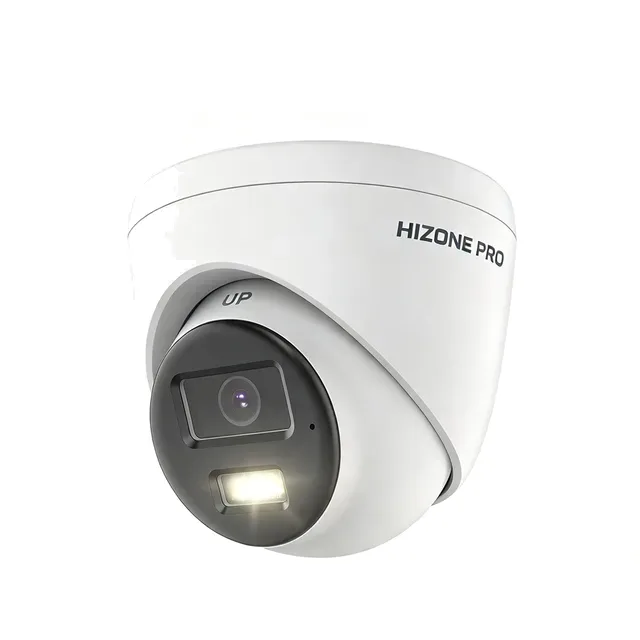
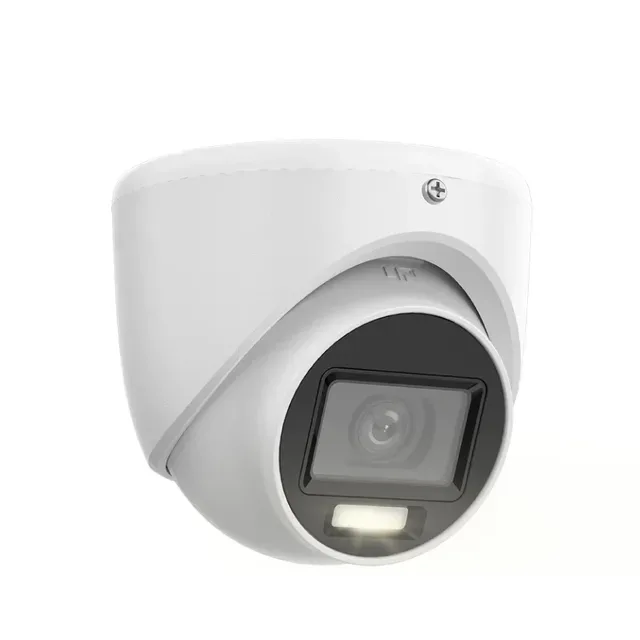
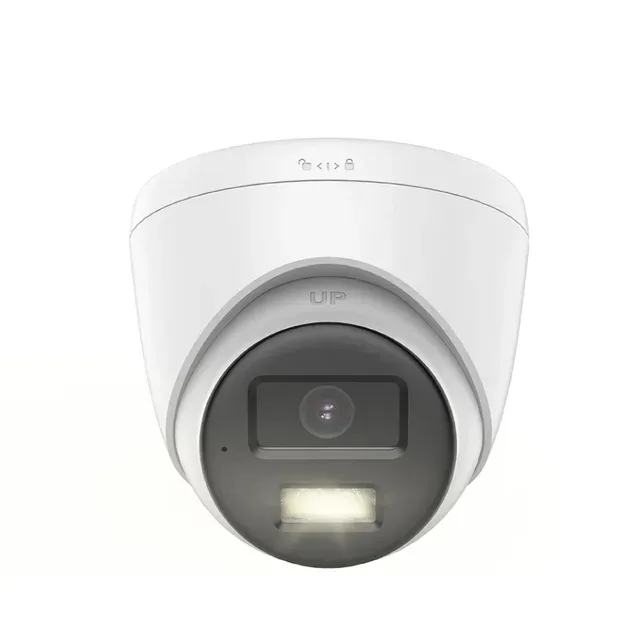
All of these cameras carry audio over the coax, are rated IP67 and come in white or black. The switchable models are the safest choice when you are unsure what the existing recorder accepts. The T289 needs a recorder that supports 8MP analogue input, such as our 4K hybrid DVRs.
| Model | Resolution | Output | Audio | Night light |
|---|---|---|---|---|
| T159W-HS / T159B-HS-1 | 3K, 2960 × 1665 | Switchable TVI/AHD/CVI/CVBS | Built-in mic | IR 30 m, white light 20 m |
| T259W-HS / T259B-HS | 5MP, 2960 × 1665 | Switchable TVI/AHD/CVI/CVBS | Built-in mic | IR 40 m, white light 20 m |
| T259W-HT / T259B-HT | 5MP, 2960 × 1665 | Switchable TVI/AHD/CVI/CVBS | Two-way audio | IR 40 m, white light 40 m |
| T289W-HT / T289B-HT | 4K, 3840 × 2160 | HD analogue output | Two-way audio | IR 40 m, white light 40 m |
Replacing the recorder with a hybrid DVR
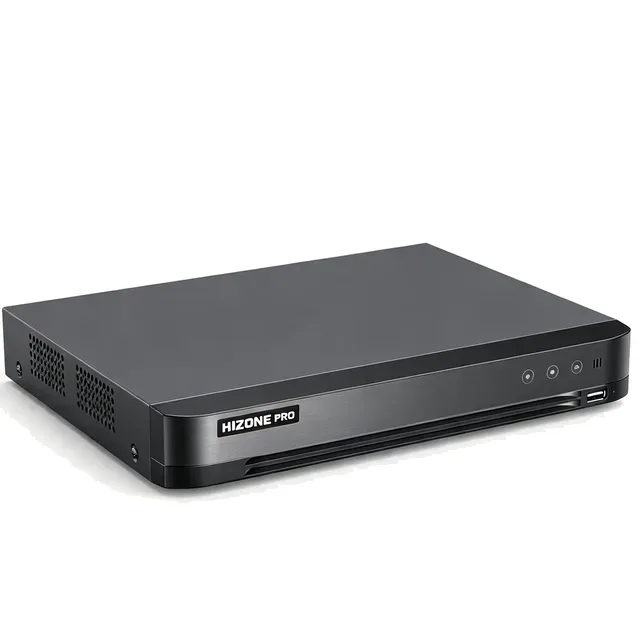
A new AcuSense hybrid DVR gives every existing coax run an HD input and adds IP inputs for future cameras. Each analogue input automatically detects HD-TVI, AHD, CVI and CVBS, so older cameras you want to keep for now still work while you upgrade in stages.
- DVR-504XT, DVR-508XT and DVR-516XT (3K) have 4, 8 and 16 analogue inputs and suit our T159 and T259 cameras.
- DVR-804XT, DVR-808XT and DVR-816XT (4K) have 4, 8 and 16 analogue inputs and also suit the 4K T289.
- The 3K models accept IP cameras up to 6MP and the 4K models accept IP cameras up to 8MP.
- Match or exceed the number of cables you already have, and allow spare inputs for growth.
Using baluns and network cable
Sometimes a coax run is damaged or a new camera position is easier to reach with network cable. Passive video baluns let you send TVI, CVI, AHD or CVBS video over CAT5e or CAT6, with a balun at the camera and another at the DVR. They need no power of their own.
Our HA-B420P and HA-B420S baluns have push-pin and screw terminals. Our premium HA-B820P and HA-B820S add built-in surge protection and interference rejection, which helps on longer outdoor runs. The camera still needs 12V DC, which you can supply locally or from a central power box.
Powering the upgraded system
If the old power supply is tired or overloaded, replace it. Our 12V power boxes have 9 or 18 outputs at 1.1 A each, with protection on every channel. For one or two cameras, a plug-in 12V supply with a 2, 4 or 8 way splitter lead works well. Add up the current your cameras need and keep within the supply rating.
Plan your upgrade
Start with the TVI cameras and hybrid DVRs, then add cable, baluns and power from accessories. The camera planner puts everything in one basket, and trade account holders see trade prices once signed in.
We supply equipment only. If you would like your cabling tested and the new system fitted, we can put you in touch with one of our recommended installers.