What a PoE power budget is
Power over Ethernet (PoE) sends low-voltage DC power down the same network cable that carries a camera's video. That means one cable per camera and no separate power supply at the camera position.
Every PoE switch has two power limits. The per-port limit is the most any single port can deliver. The total power budget is the most the whole switch can deliver across all of its ports at the same time. A switch can have eight ports and still be unable to run eight power-hungry devices at full load, so the total budget is the figure to check first.
PoE standards and per-port limits
Most CCTV cameras and intercom door stations use one of two IEEE standards. The wattage at the switch is higher than the wattage the camera receives, because some power is lost as heat in the cable.
- Fixed turret cameras are usually designed to run within the 802.3af limit. Check the maximum power figure on each camera's datasheet with its lights and features switched on.
- 802.3at ports are backwards compatible, so an 802.3af camera works on a PoE+ port and only draws what it needs.
- Plan your budget around each camera's maximum draw, because infrared and white-light illuminators pull extra power at night.
| Standard | Common name | Power per port at the switch | Power available at the device |
|---|---|---|---|
| IEEE 802.3af | PoE | Up to 15.4 W | About 12.95 W |
| IEEE 802.3at | PoE+ | Up to 30 W | About 25.5 W |
Our PoE switches compared
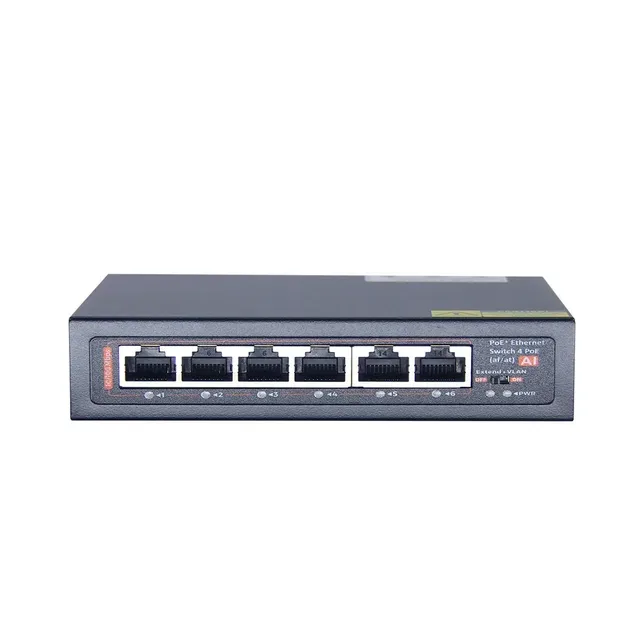
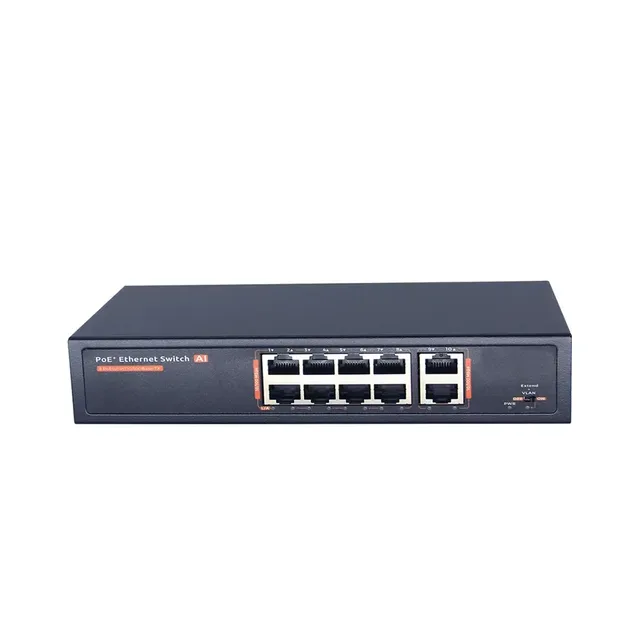
Both of our PoE switches support IEEE 802.3af and 802.3at, need no configuration and include two extra uplink ports for connecting to your recorder or router.
| Spec | HA-POES806 | HA-POES810 |
|---|---|---|
| PoE ports | 4 × 10/100 Mbps | 8 × 10/100 Mbps |
| Uplink ports | 2 × 10/100 Mbps | 2 × 10/100 Mbps |
| PoE standards | IEEE 802.3af/at | IEEE 802.3af/at |
| Maximum per port | 30 W | 30 W |
| Total PoE budget | 60 W | 110 W |
| Built-in power supply | 53 V / 1.25 A | 53 V / 1.85 A |
| PoE distance | Up to 100 m | Up to 100 m |
| Surge protection | 4 kV | 4 kV |
| Port-based VLAN | Yes | Yes |
How to work out the budget for your cameras
Add up the maximum power of every device you will connect, then compare the total with the switch budget. Leave headroom, because a switch running at its limit has nothing spare for cold nights or an extra camera later. Many installers aim to use no more than about 80 per cent of the budget.
Here is a worked example with a typical figure. Say each camera's datasheet lists a maximum of 8 W. Four cameras need 32 W, which sits comfortably inside the 60 W budget of the HA-POES806. Eight of the same cameras need 64 W, which fits the 110 W budget of the HA-POES810 with plenty to spare.
Now look at the edge cases. If every one of eight ports drew the full 802.3af 15.4 W, the total would be 123.2 W, which is more than the HA-POES810's 110 W budget. The HA-POES806 can feed two devices at the full 30 W PoE+ limit, which uses its whole 60 W budget. Real cameras rarely draw those maximums, which is why the datasheet figure matters.
- List every device and its maximum power from the datasheet.
- Add them up and compare the total with the switch's total budget.
- Check no single device needs more than the 30 W per-port limit.
- Keep some budget spare for future cameras or an intercom door station.
Cable distance and the 100 m rule
Ethernet, and the PoE power that travels with it, is specified for a maximum of 100 m of cable between the switch and the camera. That figure includes any patch leads at each end. Both of our switches are rated for PoE data and power up to 100 m on every downlink port.
Longer cable means more voltage drop, so use solid copper CAT5e or CAT6 for PoE runs, especially those approaching 100 m. If a camera sits further away, place a PoE switch closer to it and run a single uplink cable back to the recorder. The uplink cable is also limited to 100 m.
NVRs with built-in PoE
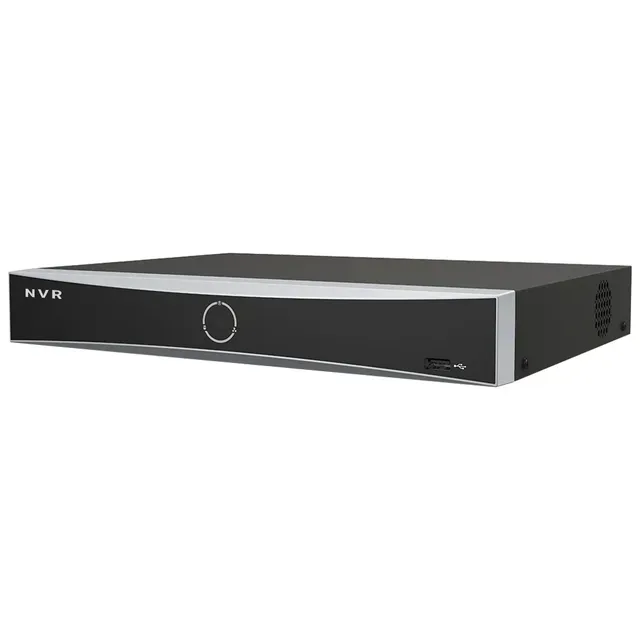
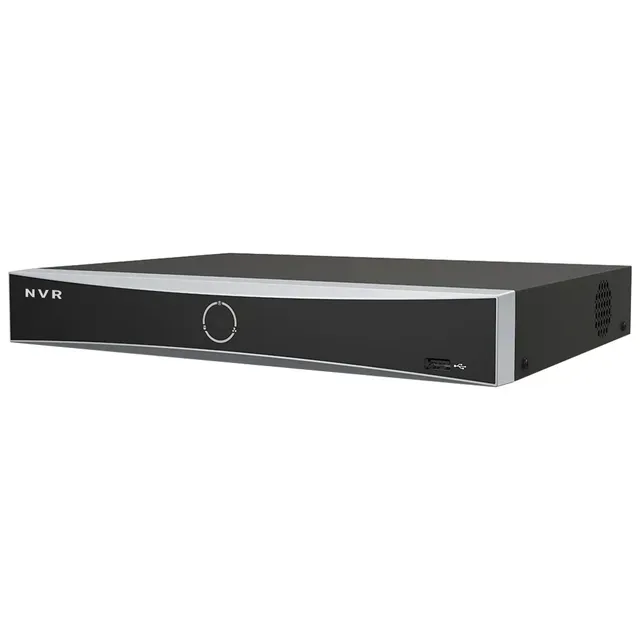
For a small system you may not need a separate switch. Our NVR1204-4 has four built-in PoE ports and our NVR1208-8P has eight. Cameras plugged into these ports are detected and set up automatically, which makes them the simplest way to build a four or eight camera IP system.
A switch does not add recording channels. The NVR1204-4 records up to 4 IP cameras and the NVR1208-8P records up to 8, however they are connected. Use a switch alongside an NVR when cameras are too far from the recorder for a 100 m run, or when the recorder sits in one building and the cameras are spread across another. The NVR1204-4 accepts up to 40 Mbps of incoming camera bandwidth and the NVR1208-8P up to 80 Mbps.
HiZone Pro is built on the Hikvision platform, so HiZone Pro IP cameras work on Hikvision and HiLook recorders, and Hikvision cameras work on HiZone Pro recorders. The same PoE rules apply whichever brand of camera you connect.
Choosing your switch, recorder and cable
Use the camera planner to put together cameras, a recorder, switches and cable, then send your order. We supply the equipment only. If you would like it fitted, we can put you in touch with an installer from our recommended panel.
- Up to four cameras near the recorder. An NVR1204-4 on its own.
- Up to eight cameras near the recorder. An NVR1208-8P on its own.
- Cameras over 100 m away or in a separate building. Add an HA-POES806 or HA-POES810 near those cameras and run one uplink back.
- Cable. Solid copper CAT5e or CAT6 from our 305 m outdoor range for every PoE run.