How infrared night vision works
Infrared (IR) LEDs around the lens give out light just beyond what the human eye can see. The camera sensor picks it up and produces a clear black and white image in complete darkness. Because the light is almost invisible, IR is discreet and does not light up the area for anyone else.
The trade-off is colour. In IR mode you lose the colour of clothing, vehicles and bags, which are often the details that matter when you review an incident. IR can also bounce back off nearby surfaces such as eaves, walls or a window in front of the lens, which washes out part of the picture. Insects are drawn to the IR LEDs, and cobwebs near the lens show up more at night.
How full-colour night vision works
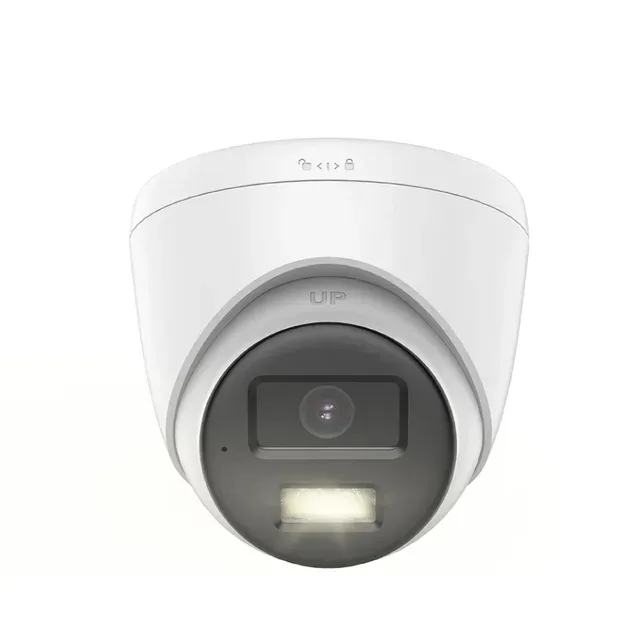
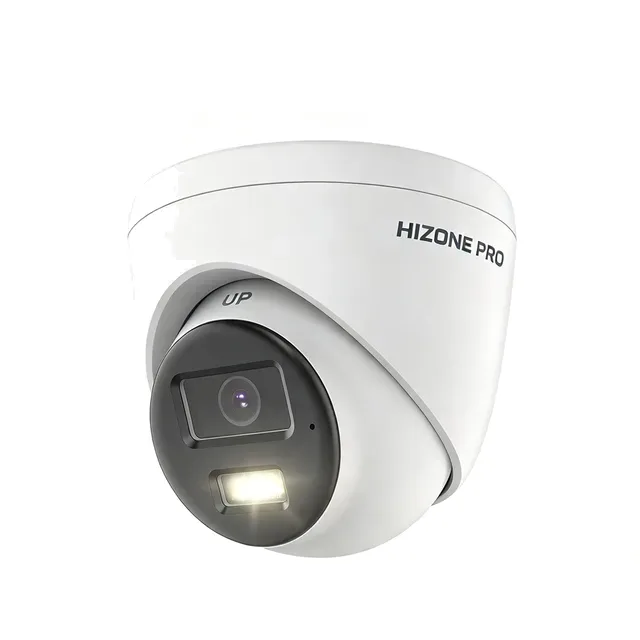
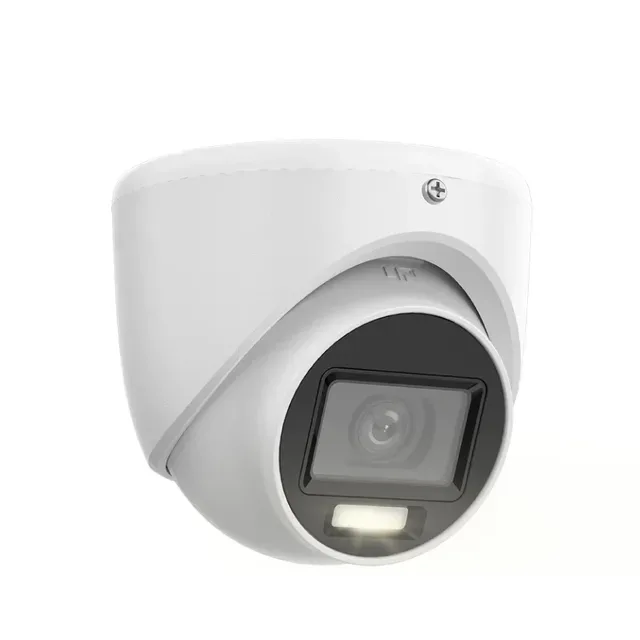
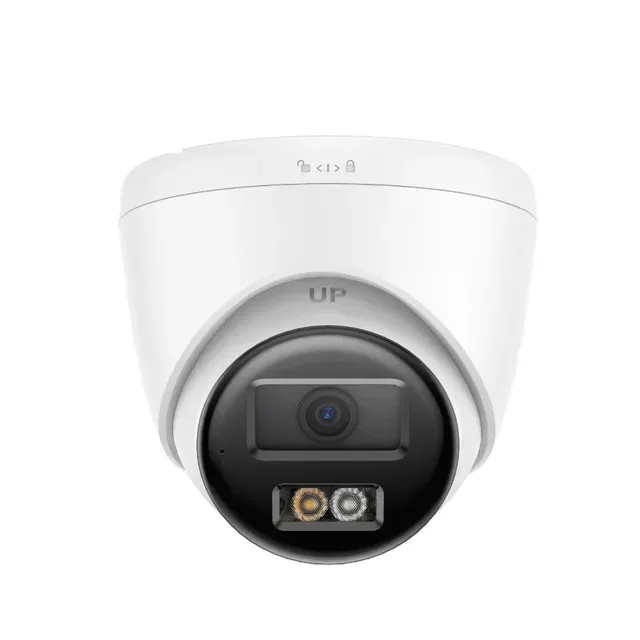
Full-colour cameras use a warm white LED to light the scene with visible light, together with a sensor and lens tuned for low light. The result is a colour image at night, closer to what you see in daylight.
Colour helps identification. A description such as a red jacket, a silver hatchback or a blue holdall is far more useful to you, your insurer or the police than shades of grey. The white light also acts as a visible deterrent, because people can see the area is lit and watched.
ColorVu, Smart Hybrid Light and Smart Dual-Light
Our cameras use three named lighting technologies. All of them can record colour at night, and all of them also have IR.
ColorVu is used on our T259 and T289 TVI cameras. It is designed to give colour images around the clock using white light, and these models also include IR. Smart Hybrid Light is used on our IPT240B, IPT250 and IPT280 IP cameras and our T159 TVI cameras. Smart Dual-Light is used on our 12MP IPT2120 IP camera.
Hybrid and dual-light cameras normally offer three modes. IR mode gives a black and white image with no visible light. White light mode keeps the scene lit in colour. Smart mode runs on IR until the camera detects a person or vehicle, then switches on the white light to capture that event in colour. You choose the mode in the camera or recorder settings.
Light ranges for our cameras
The ranges below come from the manufacturer specifications. They are the maximum distance the built-in light reaches in darkness. For our IPT250, IPT280 and IPT2120 IP cameras the specification gives one figure of up to 30 m for the built-in light. Usable detail at the maximum distance depends on the scene, the resolution and any other lighting nearby.
| Model | Type | Light technology | IR range | White light range |
|---|---|---|---|---|
| T289W-HT / T289B-HT | TVI 4K | ColorVu | Up to 40 m | Up to 40 m |
| T259W-HT / T259B-HT | TVI 5MP | ColorVu | Up to 40 m | Up to 40 m |
| T259W-HS / T259B-HS | TVI 5MP | ColorVu | Up to 40 m | Up to 20 m |
| T159W-HS / T159B-HS-1 | TVI 3K | Smart Hybrid Light | Up to 30 m | Up to 20 m |
| IPT280W-HT / IPT280B-HT | IP 4K | Smart Hybrid Light | Up to 30 m | Up to 30 m |
| IPT250W-HT / IPT250B-HT | IP 3K | Smart Hybrid Light | Up to 30 m | Up to 30 m |
| IPT2120W-HT / IPT2120B-HT | IP 12MP | Smart Dual-Light | Up to 30 m | Up to 30 m |
| IPT240B | IP 4MP | Smart Hybrid Light | Up to 20 m | Up to 15 m |
Neighbours and light spill
White light is visible, so think about where it lands. A bright light shining into a neighbour's bedroom or across a road can cause complaints, and artificial light from a property can count as a statutory nuisance under the Environmental Protection Act 1990.
Camera position matters for privacy too. If a home camera captures images beyond your property boundary, such as a neighbour's garden or a public pavement, UK data protection law applies to that footage. The Information Commissioner's Office publishes guidance for domestic CCTV users.
- Aim cameras at your own property and angle them down so the light falls on your driveway, garden or entrance.
- Use smart mode where the light could disturb others. The camera stays on IR until it detects a person or vehicle.
- Use IR mode for cameras that face directly towards neighbouring windows.
- Use privacy masking in the recorder to block out areas you should not record.
- Talk to neighbours before fitting a camera that will be visible from their home.
Which type to choose
Because every camera in our range has both white light and IR, you can change the behaviour after installation without changing the camera.
- On driveways and parking areas, full-colour or smart mode helps record vehicle colour and clothing.
- In rear gardens that back onto other homes, smart mode keeps the light off until there is activity.
- On shop and business frontages, a constantly lit ColorVu camera adds visible deterrence after hours.
- For long gardens, yards and open areas, our T289 and T259-HT models reach up to 40 m with white light.
- For discreet or sensitive positions, use IR mode on any of our cameras.
Fitting tips for better night images
- Keep the lens clear of soffits, gutters and walls that sit close to the lens and reflect IR or white light back.
- Do not mount cameras behind glass. Both IR and white light reflect off a window and blind the camera.
- Clean the dome or lens cover regularly and clear cobwebs.
- Avoid pointing cameras at bright street lights or security floodlights, which can overwhelm the image.
Browse full-colour cameras
See our TVI cameras for ColorVu models and our IP cameras for Smart Hybrid Light and Smart Dual-Light models. The camera planner helps you match cameras to a recorder in one basket. We supply equipment only, and we can put you in touch with one of our recommended installers if you would like the cameras positioned and fitted for you.