Plan around the places that matter
Start with a floor plan and mark the points where money, stock and people move. Give each camera one job and position it for that job.
- Entrances. Mount a camera inside the door looking towards it just above head height, so every visitor is caught face-on as they enter.
- Tills and counters. Place a camera above and slightly behind the till to show the transaction, and another facing the customer side of the counter.
- Shop floor. Wide-angle cameras in the corners give an overview of aisles and high-value displays.
- Stockrooms and back doors. Cover deliveries, fire exits and the route stock takes out of the building.
- Car parks and yards. Cover the entrance and exit, where every vehicle passes, rather than trying to see every bay.
Choosing resolution
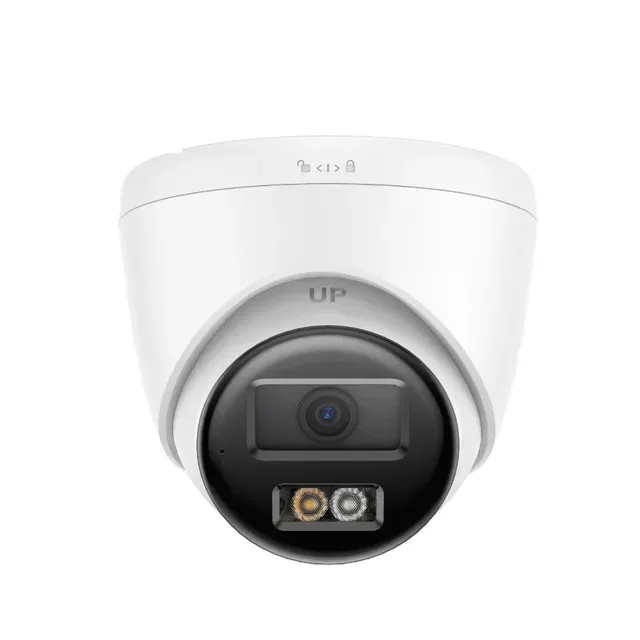
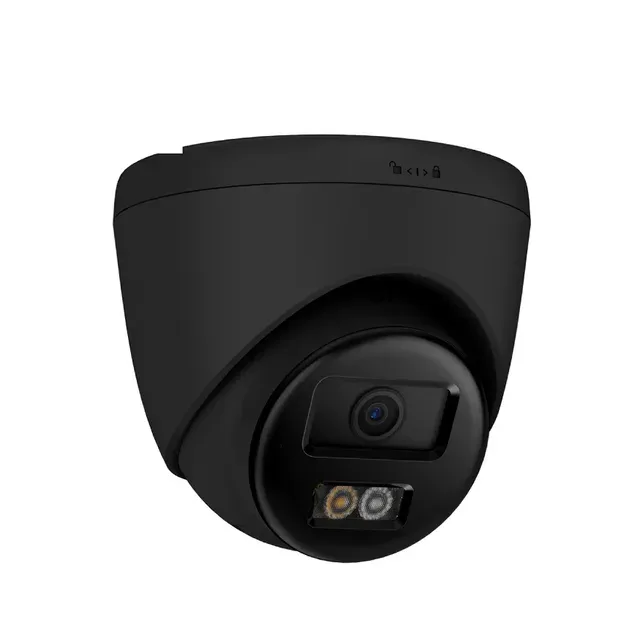
Higher resolution gives you more to zoom into when you review footage. It matters most on wide views, where a single camera covers a large area. All of our turret cameras use a 2.8 mm wide lens, so resolution is what decides how much detail you keep across the scene.
| Resolution | Our cameras | Good for |
|---|---|---|
| 4MP (2560 × 1440) | IPT240B | Small rooms, corridors, back doors |
| 3K / 5MP | IPT250, T259, T159 | Shop floors, entrances, stockrooms |
| 8MP 4K (3840 × 2160) | IPT280, T289 | Tills, larger shop floors, car park entrances |
| 12MP (4096 × 3072) | IPT2120 | Large open areas where you need to zoom in later |
IP or TVI for your premises
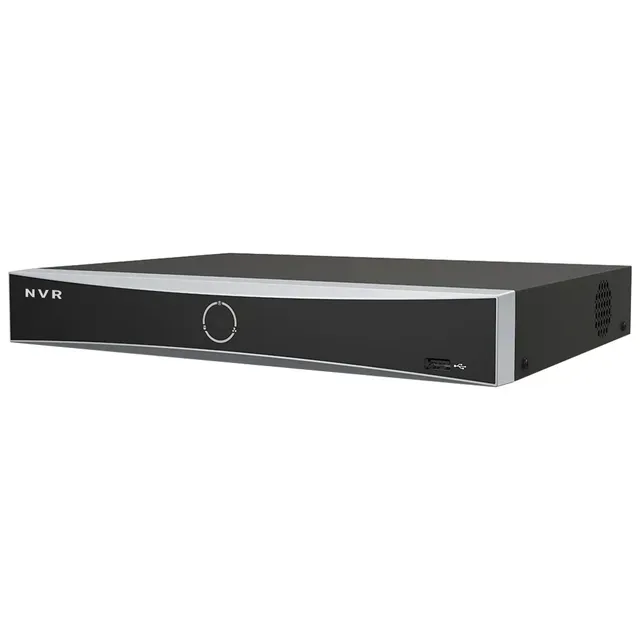
A new fit-out or a premises with no existing CCTV cabling usually suits IP cameras on a PoE NVR. Each camera needs one network cable for power, video and audio, and the cameras handle person and vehicle detection themselves.
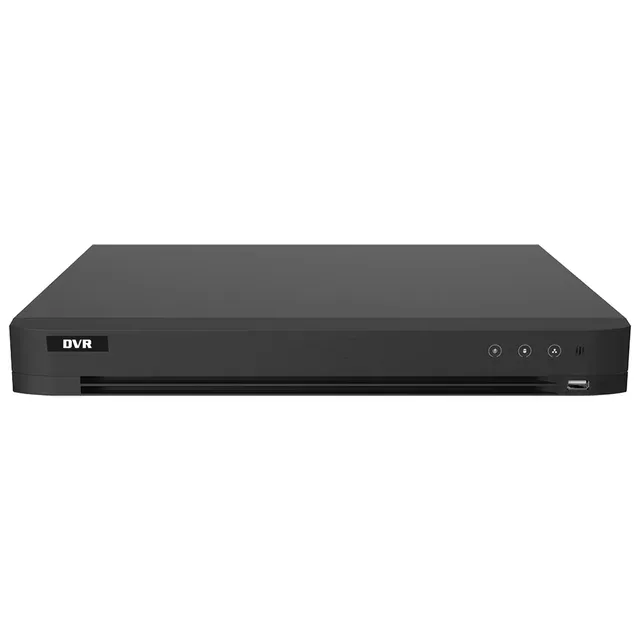
If your building already has coax from an older system, TVI cameras on an AcuSense hybrid DVR let you reuse that cable. The hybrid DVRs also accept IP cameras, so you can add IP cameras later without replacing the recorder. The DVR-804XT and DVR-808XT record 8MP at up to 8 frames per second and 5MP at up to 12 frames per second, which is worth knowing for busy tills where smooth motion helps.
Choosing recorder size
Count your cameras, then add room for growth. A recorder with spare channels costs far less to fill later than a second recorder.
| Recorder | Type | Camera inputs | Built-in PoE |
|---|---|---|---|
| NVR1204-4 | NVR | 4 IP, up to 12MP | 4 ports |
| NVR1208-8P | NVR | 8 IP, up to 12MP | 8 ports |
| DVR-504XT | Hybrid DVR | 4 analogue, up to 6 IP | No |
| DVR-804XT | Hybrid DVR | 4 analogue, up to 8 IP | No |
| DVR-508XT | Hybrid DVR | 8 analogue, up to 12 IP | No |
| DVR-808XT | Hybrid DVR | 8 analogue, up to 16 IP | No |
| DVR-516XT | Hybrid DVR | 16 analogue, up to 24 IP | No |
| DVR-816XT | Hybrid DVR | 16 analogue, up to 32 IP | No |
AI person and vehicle detection
Plain motion detection triggers on anything that changes in the picture, such as shadows, headlights, rain or a flapping banner. AI detection classifies what moved, so you get alerts for people and vehicles and far fewer false alarms. It also makes reviewing footage quicker, because you can search for people or vehicles instead of scrolling through hours of video.
On an IP system, cameras such as the IPT250, IPT280 and IPT2120B detect humans and vehicles themselves, and our NVRs use that camera-based AI on all channels. On a TVI system, our AcuSense DVRs do the analysis, with human and vehicle analysis on up to 2 channels on the DVR-504XT, 4 on the DVR-508XT and DVR-804XT, and 8 on the DVR-808XT. The 16 channel models support 8 channel perimeter protection. Use AI channels on cameras covering doors, yards and car parks, where after-hours alerts matter most.
Two-way audio as a deterrent
A camera that talks back changes behaviour. With a two-way audio camera, staff or a remote keyholder can tell someone in a closed yard that they are being recorded, or direct a delivery driver to the right door. The IPT250 and IPT280 also support audible warnings, so the camera can play a warning on its own when it detects a person.
Recording audio in a workplace needs extra care under UK data protection law, because staff and customers expect to be able to talk privately. Many businesses use the speaker for warnings and live talk and keep audio recording switched off. Whatever you record, put up clear CCTV signs, have a lawful reason for each camera and follow the ICO's guidance for business CCTV.
Showing cameras on a screen
A visible screen near the entrance tells customers the premises is covered. Our NVRs output 4K over HDMI. To send the picture to your existing screen in another room, use an HDMI extender over network cable such as the HA-HE60M or HA-HE4K100M. To show the same picture on two or four screens, use the HA-HS1TO2 or HA-HS1to4 HDMI splitter.
Building your business system
Use the camera planner to put together cameras, a recorder and cable, then send your order. Trade customers can open a trade account. HiZone Pro is built on the Hikvision platform, so our cameras also work on Hikvision and HiLook recorders you may already have. We supply equipment only, and we can introduce you to an installer from our recommended panel if you want the system fitted.